

Latest Videos
PLS-GRID


PLS-CADD - Feature Demonstrations


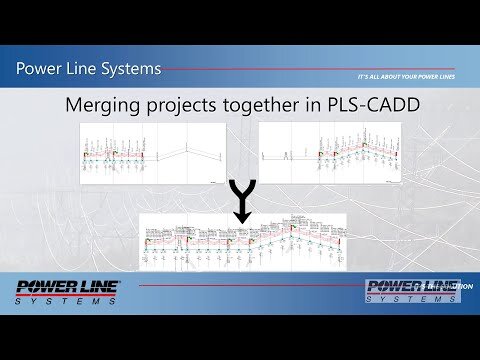
This video demonstration showcases a couple example scenarios of how to merge together independent PLS-CADD Projects. This video compliments a technical note that covers many different merging scenarios. Please follow this link to download a copy of the technical not and access the backup files that are referenced and shown in this video. https://www.powline.com/technotes/Merging_Projects_in_PLS-CADD.pdf
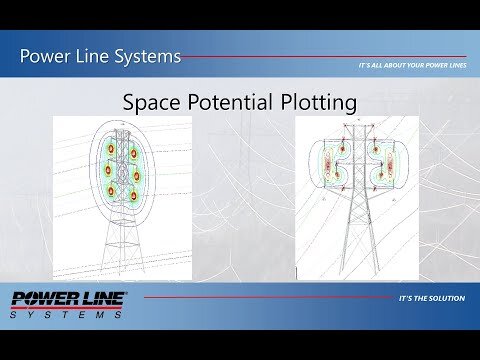
Demonstration of the structure space potential plots and EMF cross-section capabilities.
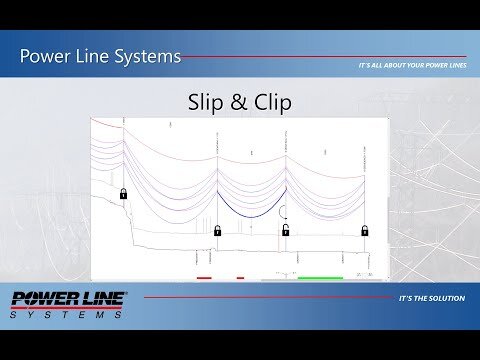
Demonstrates the Slip & Clip feature that enables easy manipulation of finite element cable lengths in spans to facilitate tasks like replacing dead end structures or fixing clearance violations.
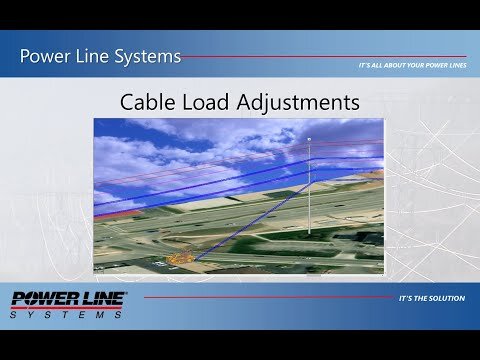
Demonstration and explanation of new and existing cable load adjustments used to modify structure loading.

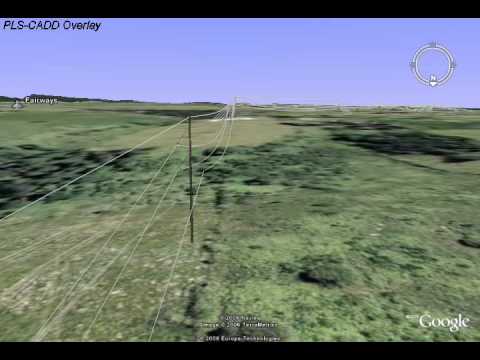
Walkthrough of modeling and analyzing a 3 phase distribution pole and span wires using PLS-Distribution/LITE and then exporting and viewing the model in Google Earth
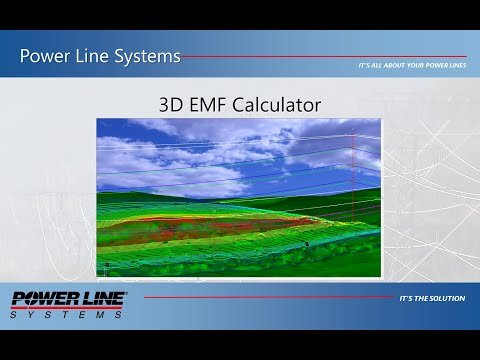
Use of the 3D EMF calculator to calculate and draw EMF field contour lines and graphs while accounting for all wires in close proximity.
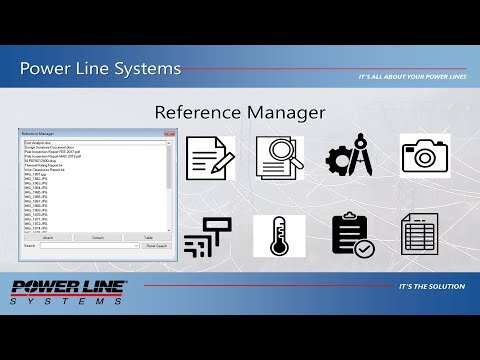
The Reference Manager in PLS-CADD, PLS-POLE, and TOWER allows you to attach any number of any type of files to your project, categorize, and view them.


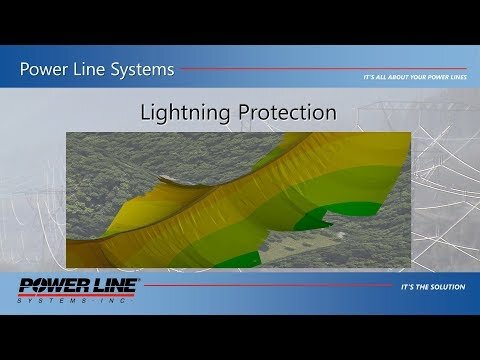
Demonstrates the Lightning Protection calculator which develops a lightning coverage surface using the Electrogeometric method (EGM aka "rolling sphere")
Demonstrates how to include Guy Strain Insulators in PLS-POLE and TOWER models and then check wire clearances to guys in PLS-CADD.

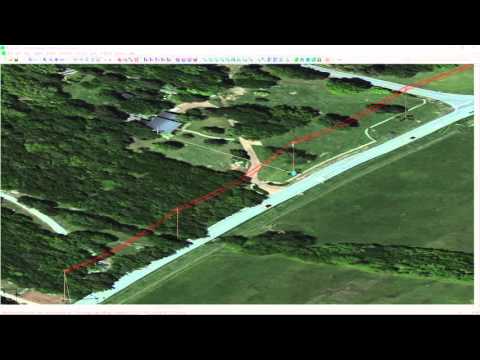
How to build PLS-CADD line models with structures located by XY coordinates rather than station and offset. XY Structures makes modeling distribution networks easy.


PLS-POLE - Feature Demonstrations
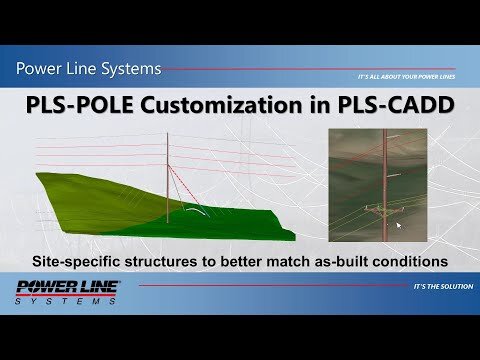
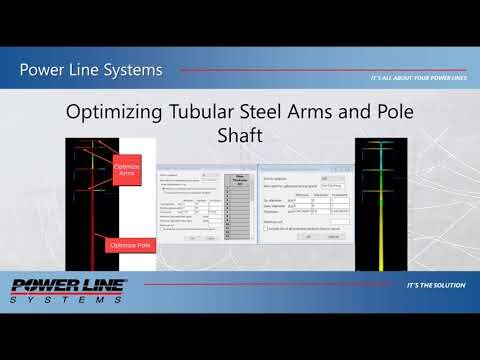
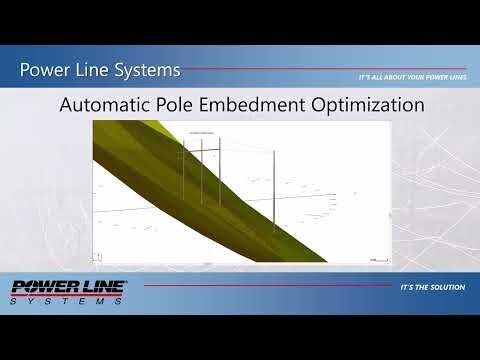
This video demonstrates how to use the tubular steel pole optimization feature in PLS-POLE as well as the new tubular steel davit arm optimizer.

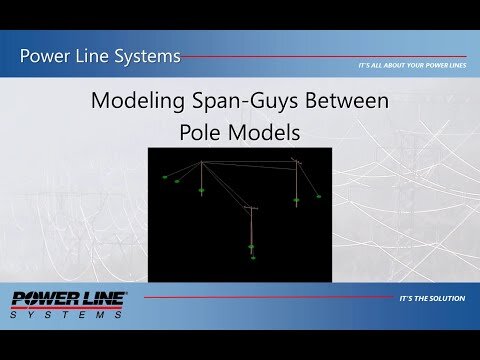
This video demonstration shows the proper modeling techniques for analyzing structures that need to remain in independent structure models but have span guys or other wires connected between them that act as structural elements and that rely on the support of adjacent structures.
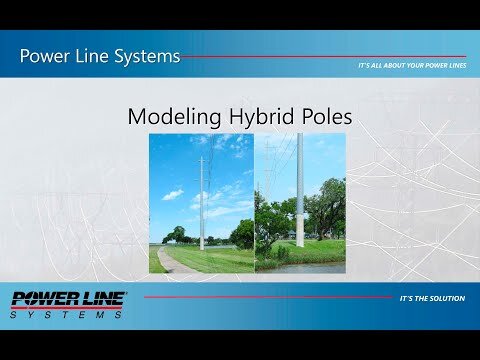
Demonstrates the techniques for modeling a hybrid pole structure. This example utilizes a direct embed concrete pole base and a steel pole top portion.
Walkthrough of modeling and analyzing a 3 phase distribution pole and span wires using PLS-Distribution/LITE and then exporting and viewing the model in Google Earth
The Reference Manager in PLS-CADD, PLS-POLE, and TOWER allows you to attach any number of any type of files to your project, categorize, and view them.


Demonstrates how to include Guy Strain Insulators in PLS-POLE and TOWER models and then check wire clearances to guys in PLS-CADD.

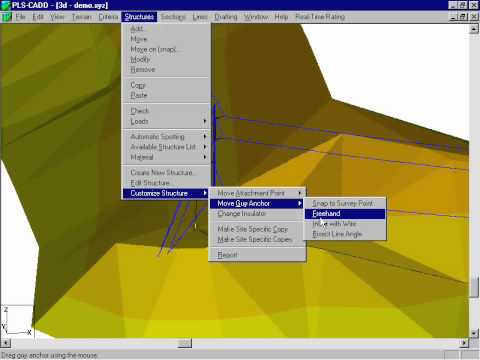
Video of PLS-CADD customize structure command for moving structure attachments and guy anchors.
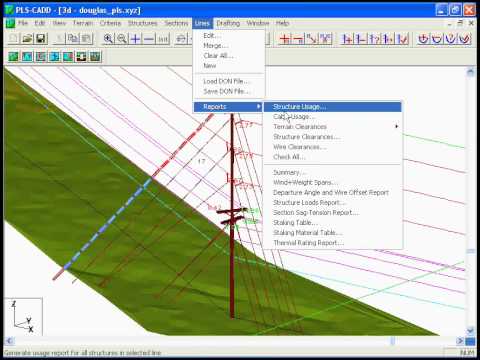
TOWER - Feature Demonstrations
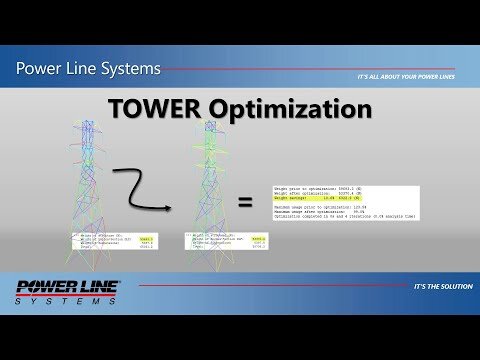
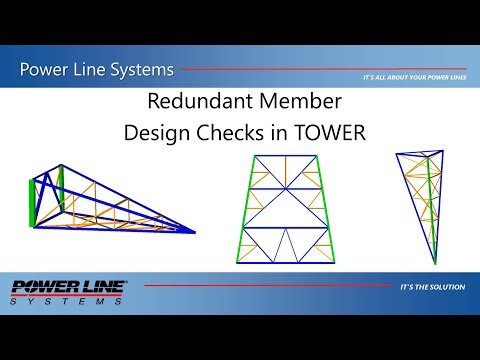

The Reference Manager in PLS-CADD, PLS-POLE, and TOWER allows you to attach any number of any type of files to your project, categorize, and view them.

Demonstrates how to use the Family Manager with existing TOWER models including importing extensions.
SHOW MORE

CAISSON - Feature Demonstrations
Importing and Exporting Data
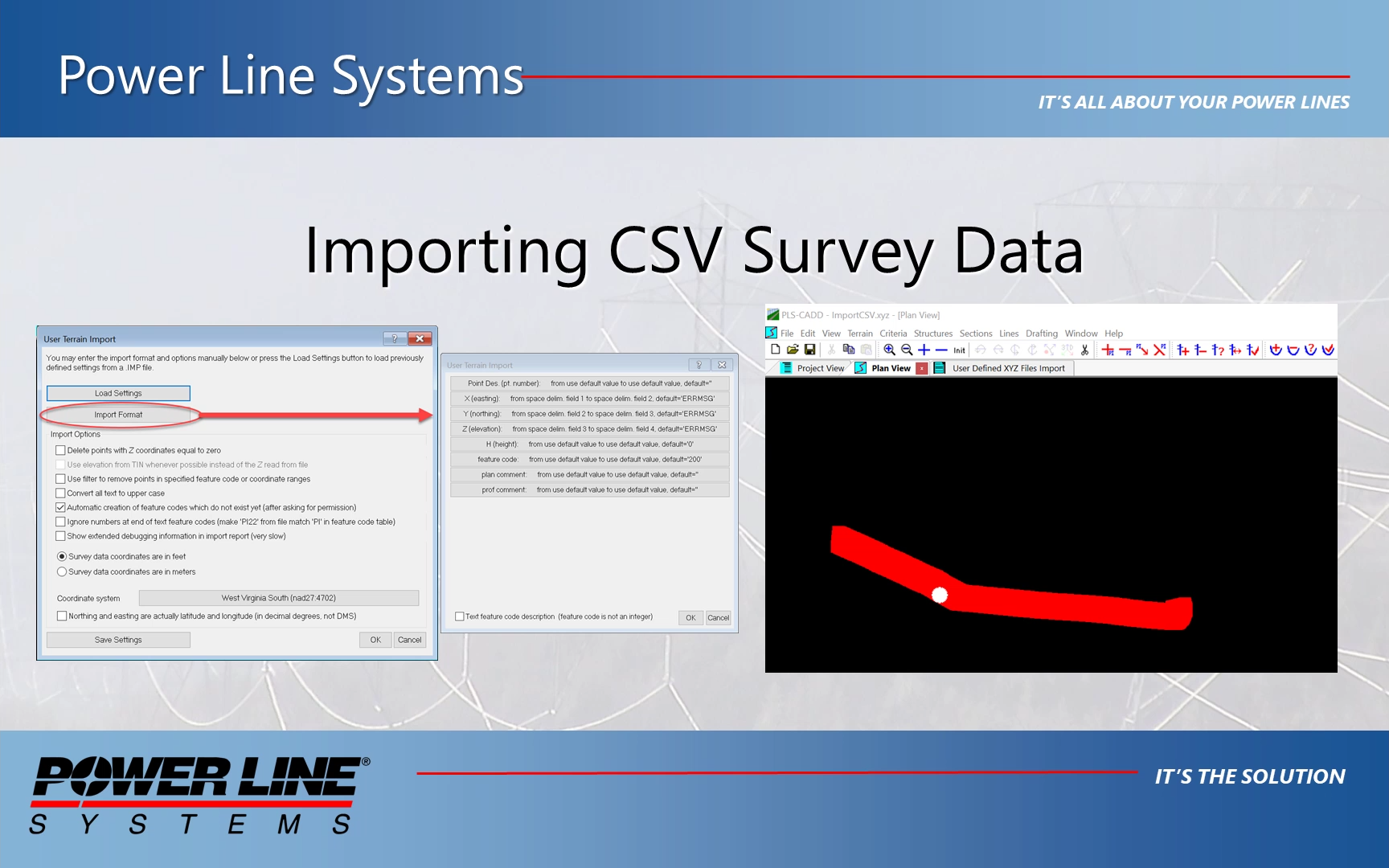

Video demonstration of utilizing the new export options for report to PDF files or to Google Drive / Google Sheets.
Use the WMS/WMTS client built into the Attachment Manager to import free imagery into your project quickly and easily.
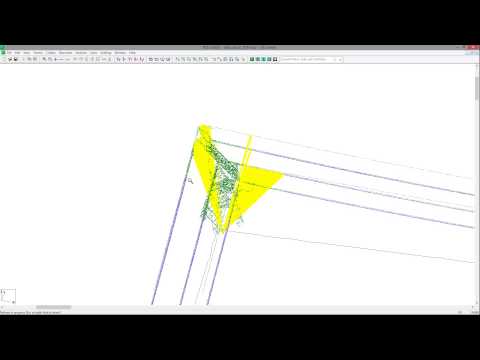
PLS-CADD version 13 introduces tools to easily classify LiDAR data into ground, structure and wire and to find structure centroids and wire attachment points. This video demonstrates the use of these tools.
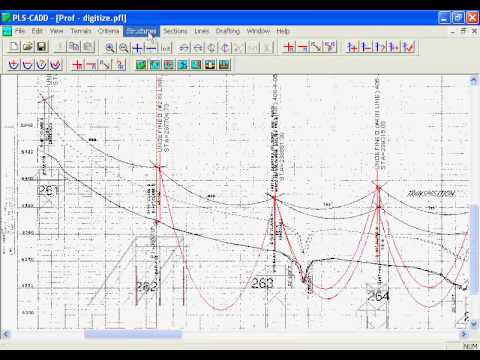
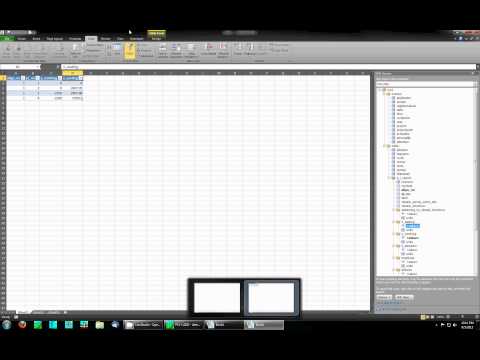
Demonstration of using the Export XML command in Power Line Systems' software and importing the resulting file into Microsoft Excel to develop custom reports.
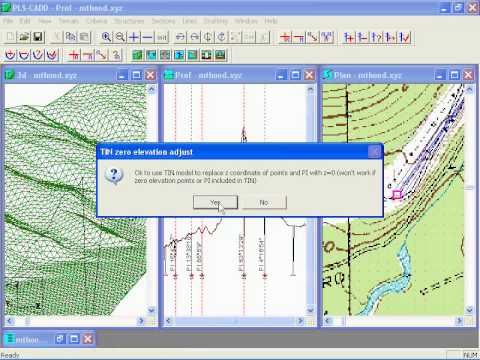
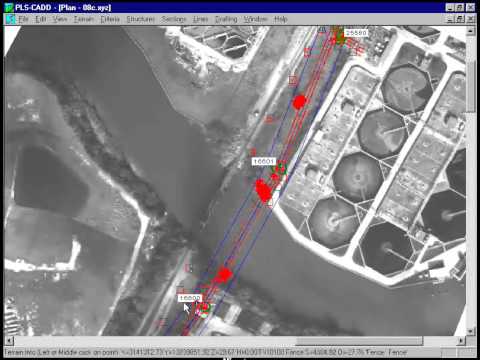
Video showing how to use USGS data with PLS-CADD. Also helpful for those using data obtained via LIDAR or photogrammetry.
Reports
Use of the 3D EMF calculator to calculate and draw EMF field contour lines and graphs while accounting for all wires in close proximity.
Demonstrates the Lightning Protection calculator which develops a lightning coverage surface using the Electrogeometric method (EGM aka "rolling sphere")

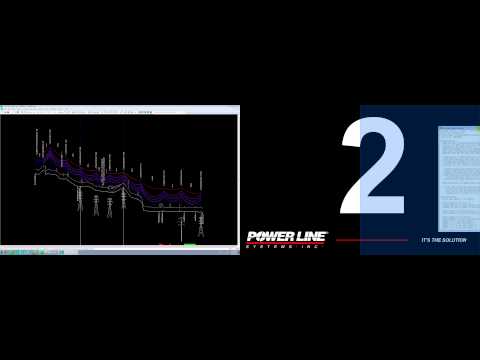
Demonstrates improvements to reports in PLS software including: support for multiple monitors and capability to jump from table to table in a report with one keystroke or mouse click
Demonstration of using the Export XML command in Power Line Systems' software and importing the resulting file into Microsoft Excel to develop custom reports.
Drafting

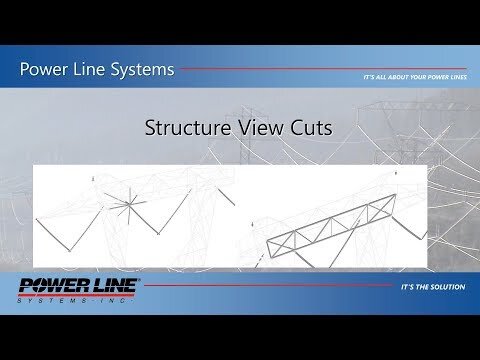
Demonstrates new Panel Cut and Connection Cut commands along with the Ghost Mode for cut members.
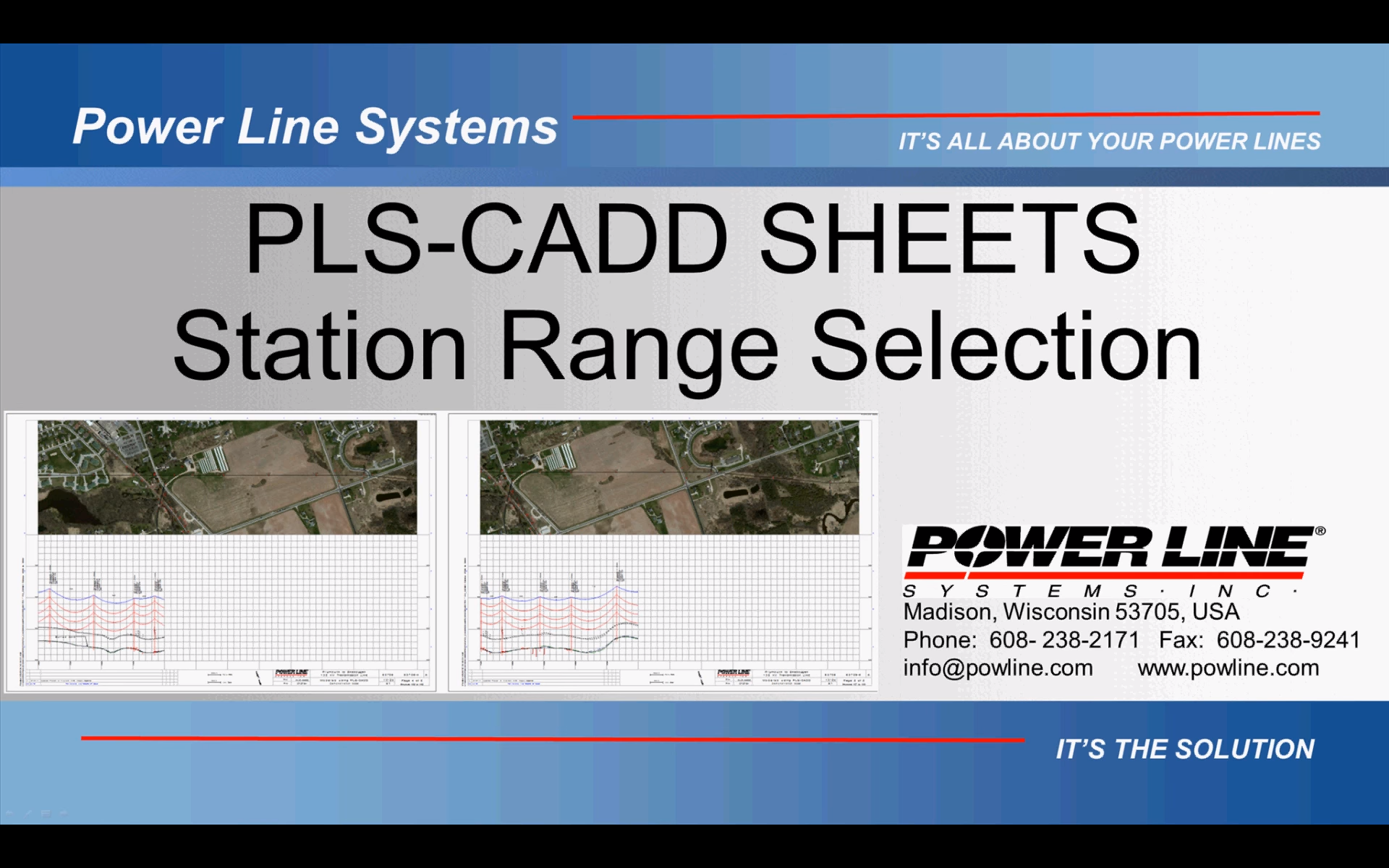
Demonstrates the new options for single and multiple paging station ranges when creating Plan & Profile sheets in PLS-CADD.
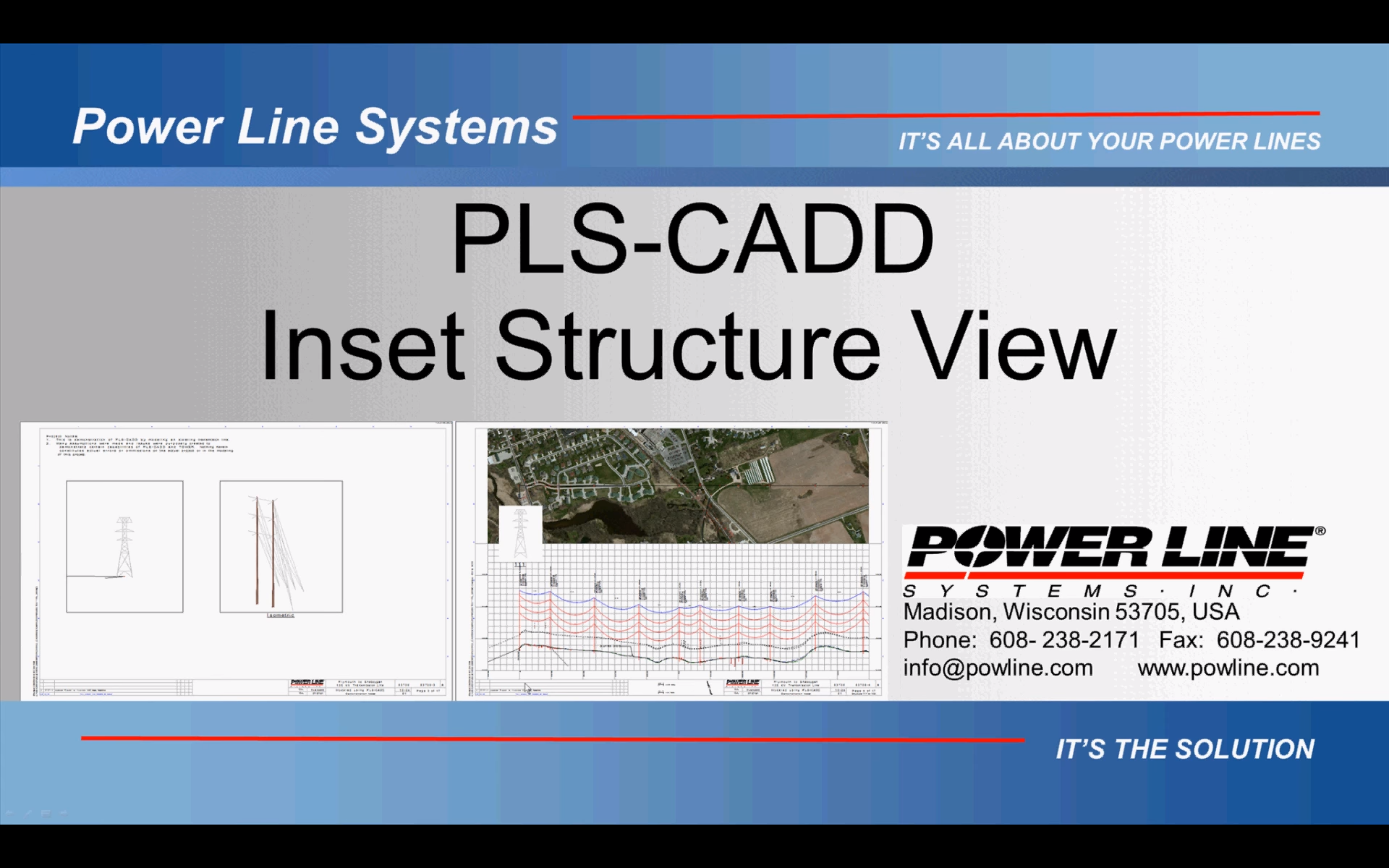

Demonstrates quickly creating structure drawings using the new Structure Drafting features in version 14 of PLS-POLE and TOWER.
Shows the addition of title, notes and appendix pages to Plan and Profile Sheets. These extra pages can contain attachments, annotation, inset views or the new "Sheet Index Map".
Clearances
Demonstrates how to include Guy Strain Insulators in PLS-POLE and TOWER models and then check wire clearances to guys in PLS-CADD.